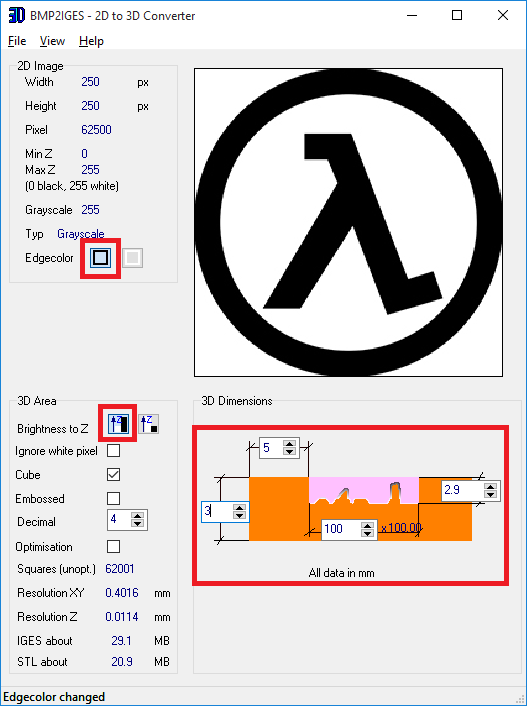
The thing that I soon found was that calibrating the printer for making
these is quite a project in itself, as it must have taken me at least 20
prints (at various settings) before I could get a reproducible and working
piece. But with that said here is how I did it, so that you don't have to
suffer as much as I did:
NOTE: I found that limiting the forward current to ~220mA gives the best
compromise between brightness and heat produced.
/////////////////////////////////////////////////////////////////////////////////////////////
// RGB LED control - v1.2
//
//
//
// A simple program for controlling an RGB led with a single
potentiometer.
//
// As per I/O pins below, the RED pin of the RGB LED is connected to
pin #9 of the Arduino //
// GREEN pin to pin #10, and BLUE pin to pin #11. Also the output of
the potentiomenter is //
// located on pin #A0.
//
//
//
// ANTALIFE - 16.08.15
//
/////////////////////////////////////////////////////////////////////////////////////////////
//MUH I/O PINS
int R_pin = 1; //9 on
Arduino
int G_pin = 0; //10 on Arduino
int B_pin = 4; //11 on Arduino
int RGB_pot_pin = 3; //A0 on Arduino
int Rainbow_pin = 2; //8 on Arduino
//MUH VARIABLES
float theta = 0;
int colour = 0;
int rainbow_delay = 0;
void setup()
{
//MUH OUTPUTS
pinMode(R_pin, OUTPUT);
pinMode(G_pin, OUTPUT);
pinMode(B_pin, OUTPUT);
pinMode(Rainbow_pin, INPUT);
}
void loop()
{
//If rainbow mode enabled scroll through the rainbow ;^)
while (digitalRead(Rainbow_pin) == LOW)
{
for (float RAINBOW = 0; RAINBOW < 256; RAINBOW =
RAINBOW + 0.5)
{
//If rainbow mode disabled stop animation
if (digitalRead(Rainbow_pin) == HIGH)
{
break;
}
MUH_colour(RAINBOW);
delay(analogRead(RGB_pot_pin) +
rainbow_delay);
}
}
//If rainbow mode not enabled simply display the set
colour
theta = analogRead(RGB_pot_pin) / 4;
MUH_colour(theta);
}
void MUH_colour(int angle)
{
//This fucntion converts the given angle to a visible colour
on the colour wheel
//with RED being 0deg, GREEN being 120deg, and BLUE being
240deg
//RED TO GREEN [0deg -> 120deg OR 0 -> 85]
colour = (6 * angle) % 255;
if (angle <= 42.5)
{
RGB_write(255, colour, 0);
}
else if ((angle > 42.5) && (angle < 85))
{
RGB_write((255 - colour), 255, 0);
}
//GREEN TO BLUE [120deg -> 240deg OR 85 -> 170]
else if ((angle > 85) && (angle < 127.5))
{
RGB_write(0, 255, colour);
}
else if ((angle > 127.5) && (angle < 170))
{
RGB_write(0, (255 - colour), 255);
}
//BLUE TO RED [240deg -> 360deg(or 0deg) OR 170 ->
255(or 0)]
else if ((angle > 170) && (angle < 212.5))
{
RGB_write(colour, 0, 255);
}
else if ((angle > 212.5) && (angle < 255))
{
RGB_write(255, 0, (255 - colour));
}
}
void RGB_write(int R_val, int G_val, int B_val)
{
//A simple function that displays the desired LED colour by
setting the duty of the
//PWM on each RGB LED
analogWrite(R_pin, R_val);
analogWrite(G_pin, G_val);
analogWrite(B_pin, B_val);
}